
Managing your database is an important part of maintaining a WordPress site. phpMyAdmin is the tool that gives you visual control over your tables without needing to write code. Access is secure and done directly from the Kiravo control panel.
Tutorial for accessing phpMyAdmin
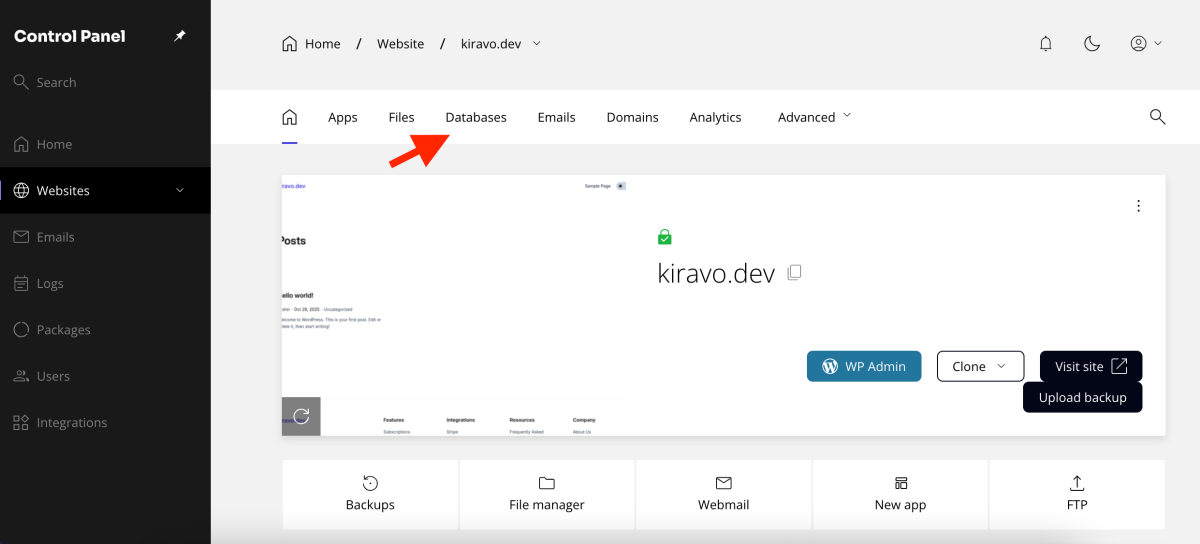
Log into your Kiravo hosting control panel and click on your website. In the top menu, select the Databases section.
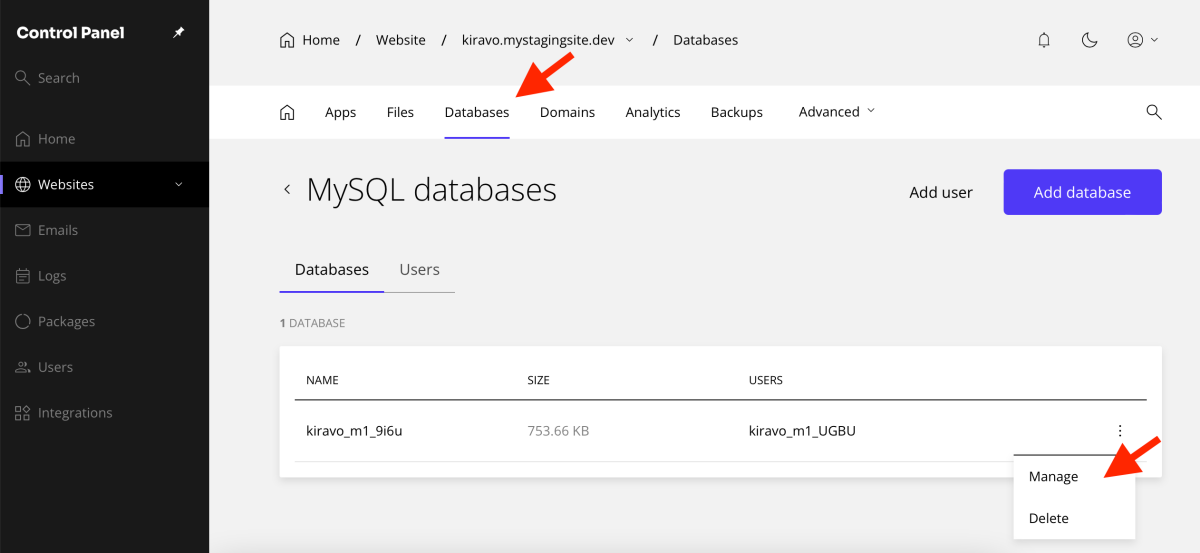
You will see a list of active databases. Click on the three dots on the right side of the database and choose Manage.
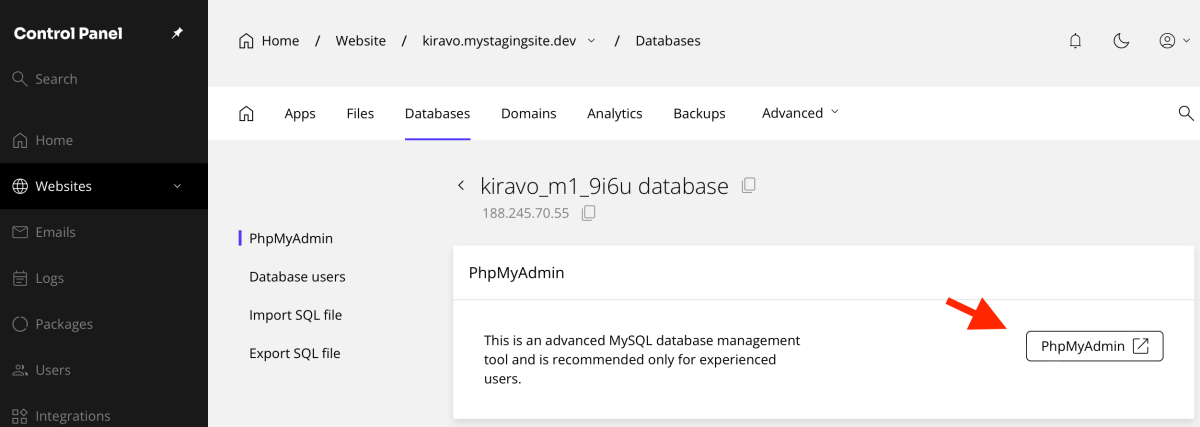
In the window that appears, click the phpMyAdmin button. The application will open automatically.
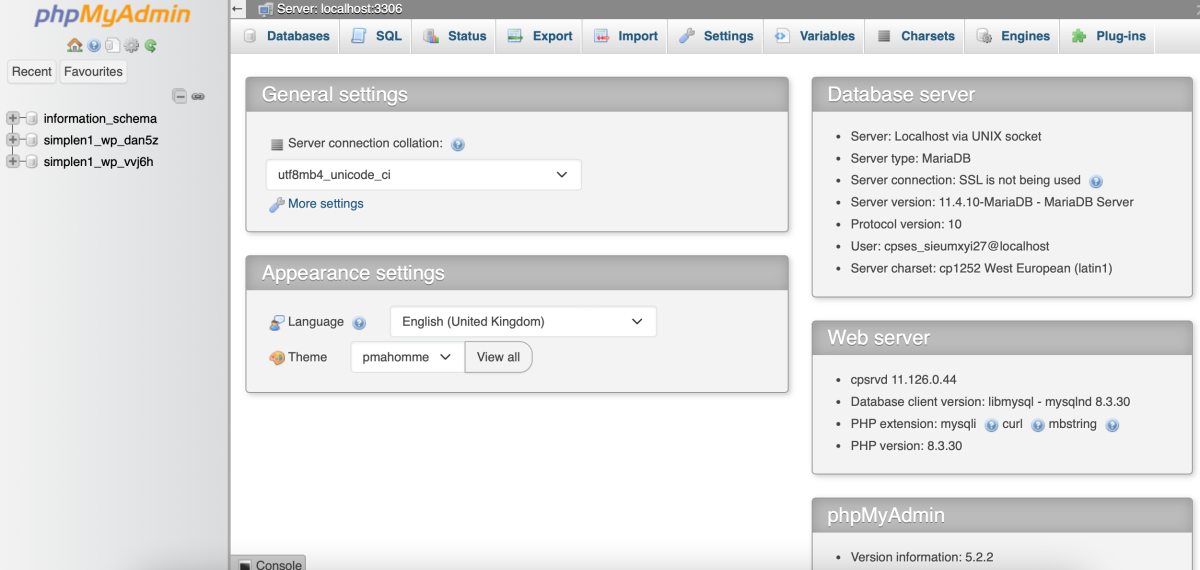
When you click on phpMyAdmin, an interface will open where you can manage your website databases.
If you need help, do not hesitate to contact the Kiravo support team.

Leave a Reply