How to manage your Kiravo account, services, billing, and team access through the client area.
Introduction
Section titled “Introduction”Client area is where registered users can manage their account, hosting services, contact details, billing information, payment history, support tickets and more.
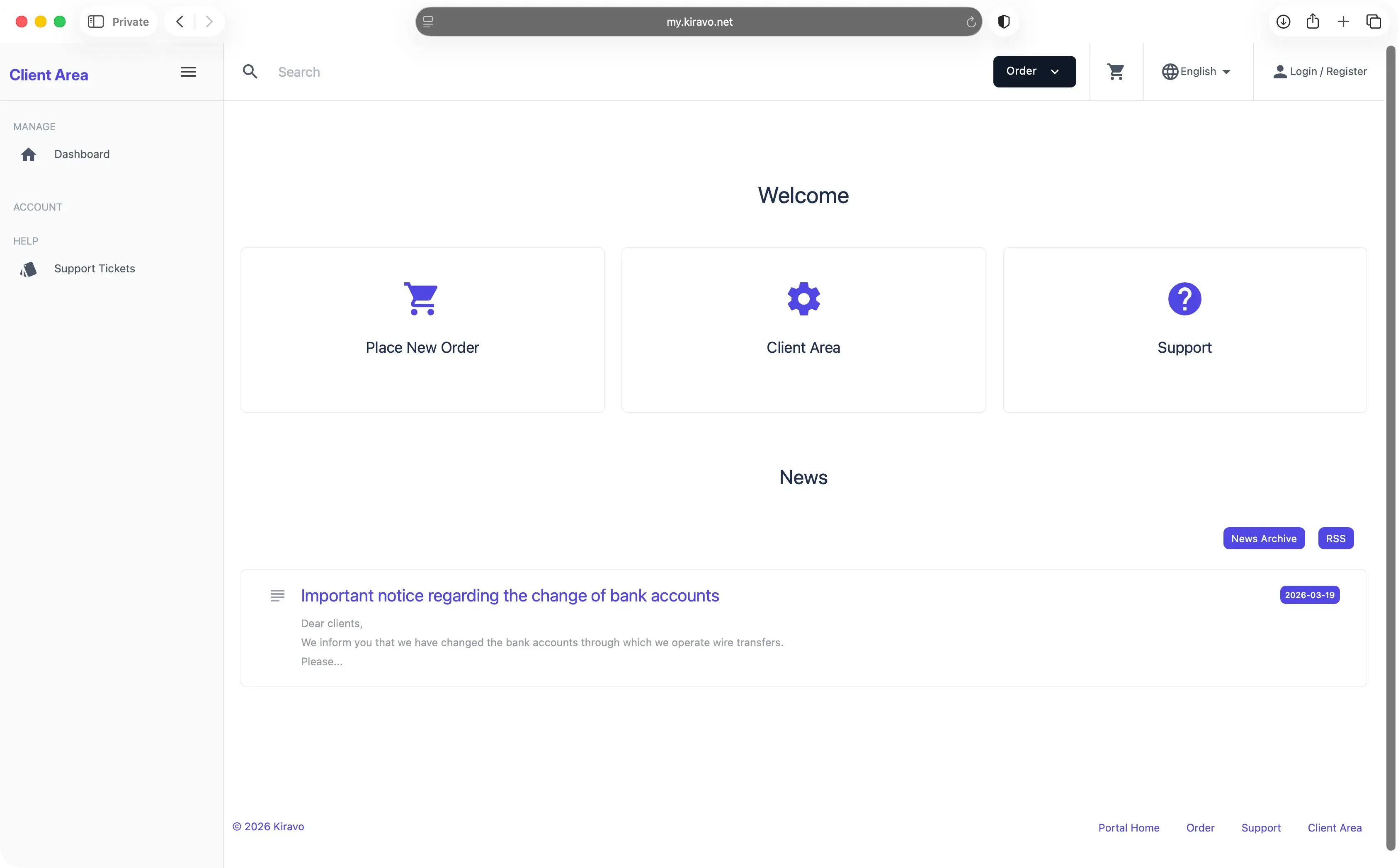
You can login to your account using your email address and password.
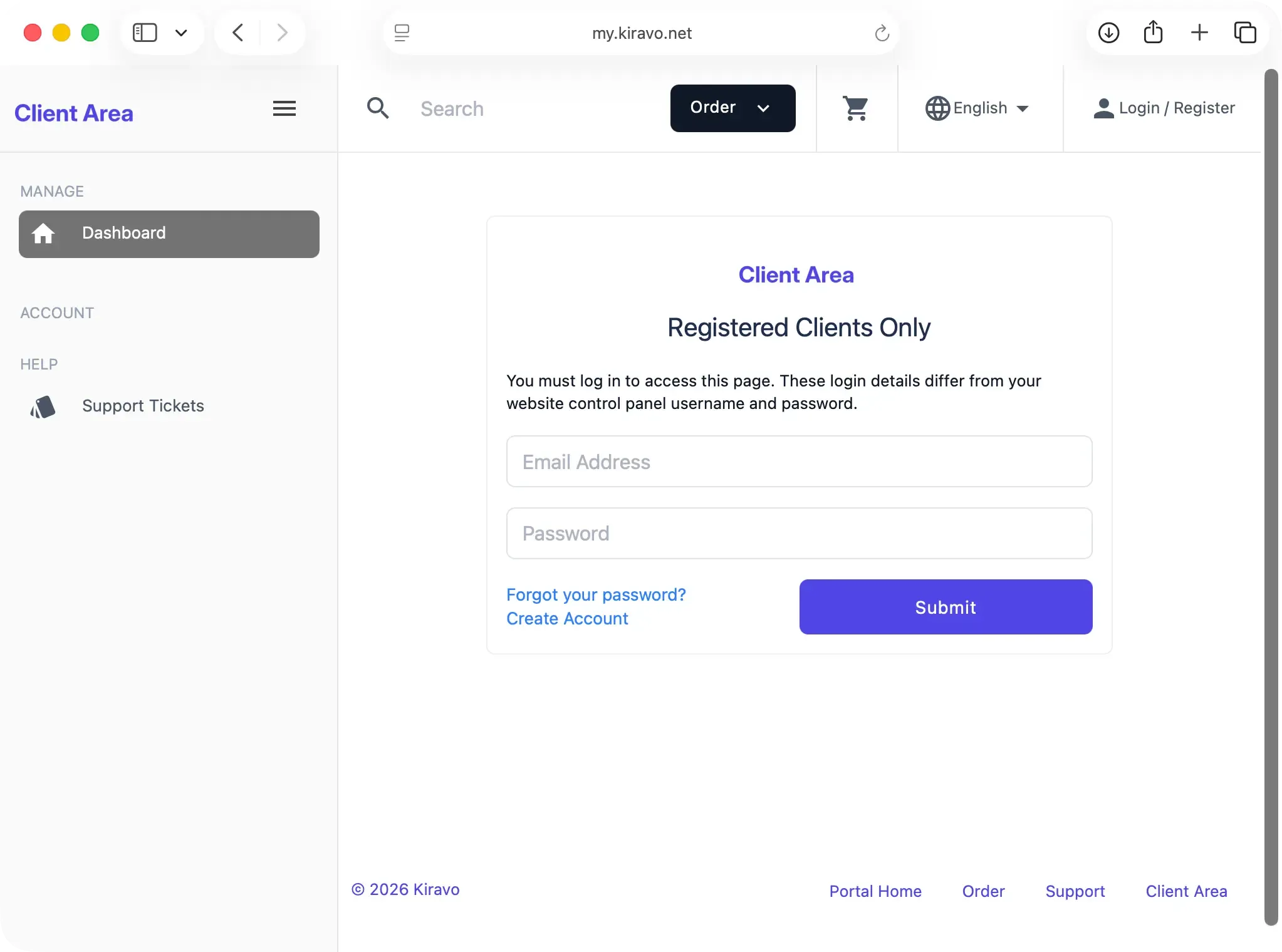
- Access https://my.kiravo.net/clientarea/
- Enter your email address and password
- Click the “Submit” button
Reset password
Section titled “Reset password”You can reset your password by following these steps:
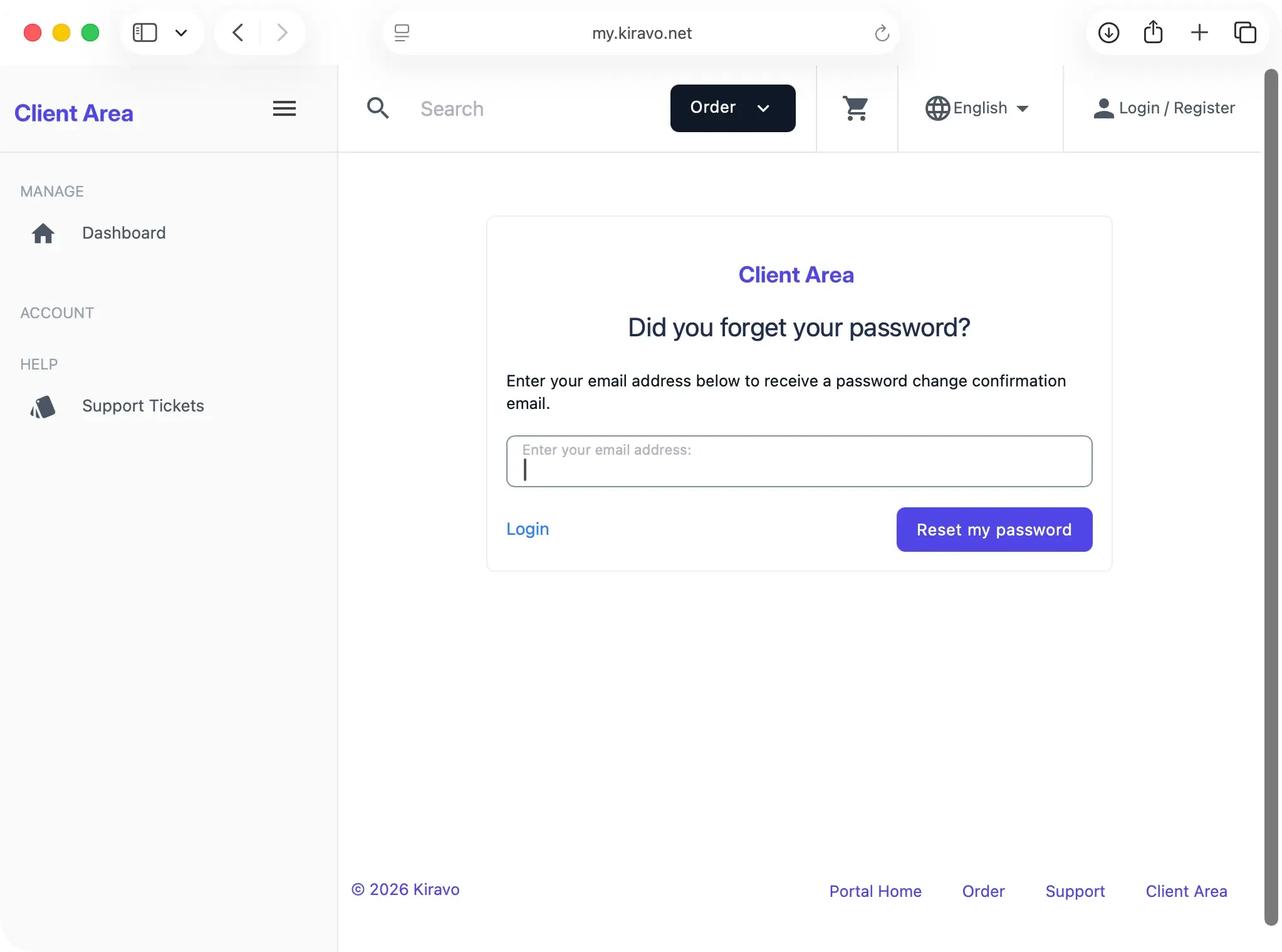
- Access the login page at https://my.kiravo.net/clientarea/
- Click on the “Forgot password?” link
- Enter your email address to receive a password change confirmation email
- Click the “Reset my password” button
Create account
Section titled “Create account”If you don’t have an account, you can create a new one by following these steps:
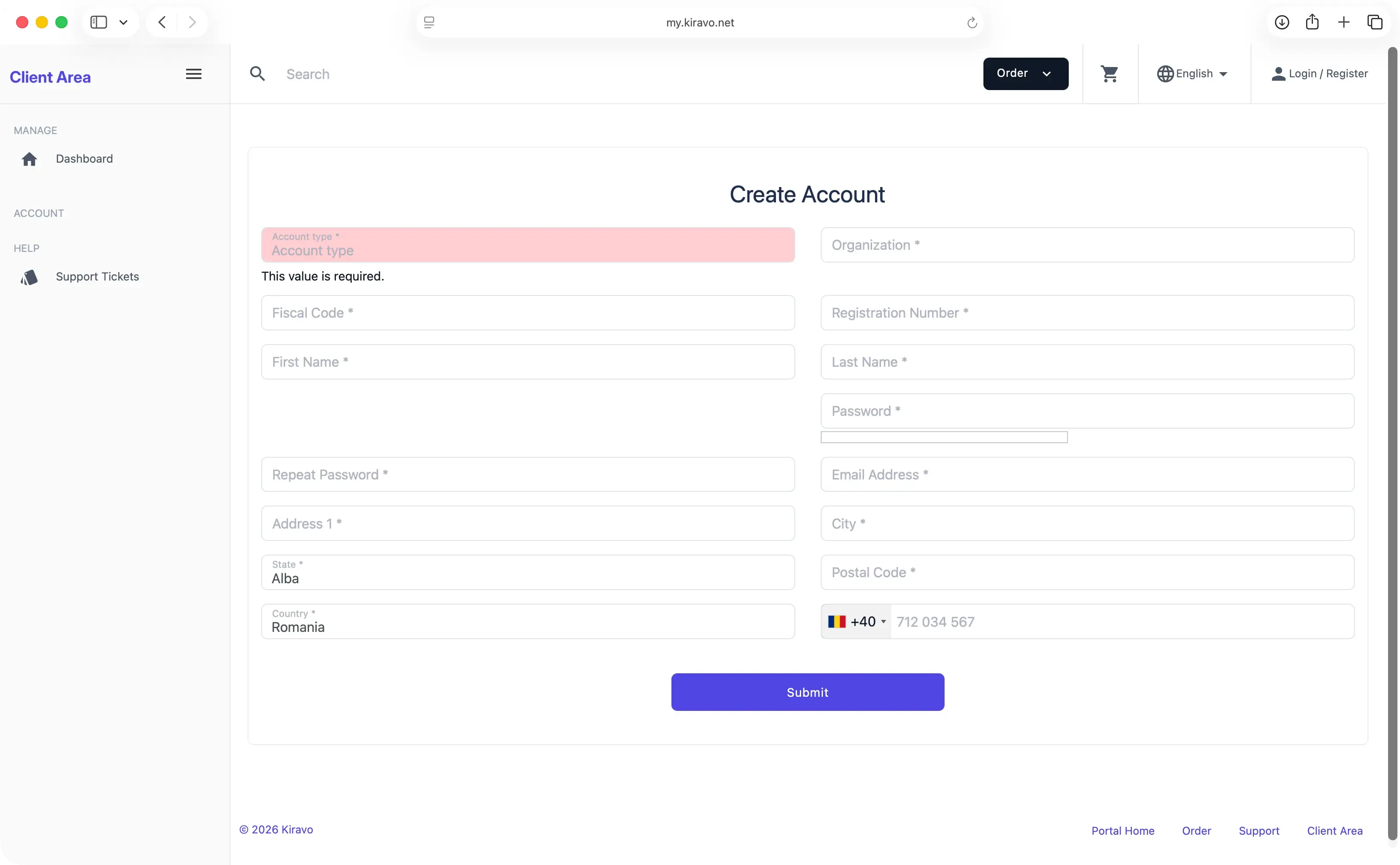
- Access https://my.kiravo.net/signup/
- Select your account type: Private or Organisation
- Enter your billing details, email address and set a password
- Click the “Submit” button