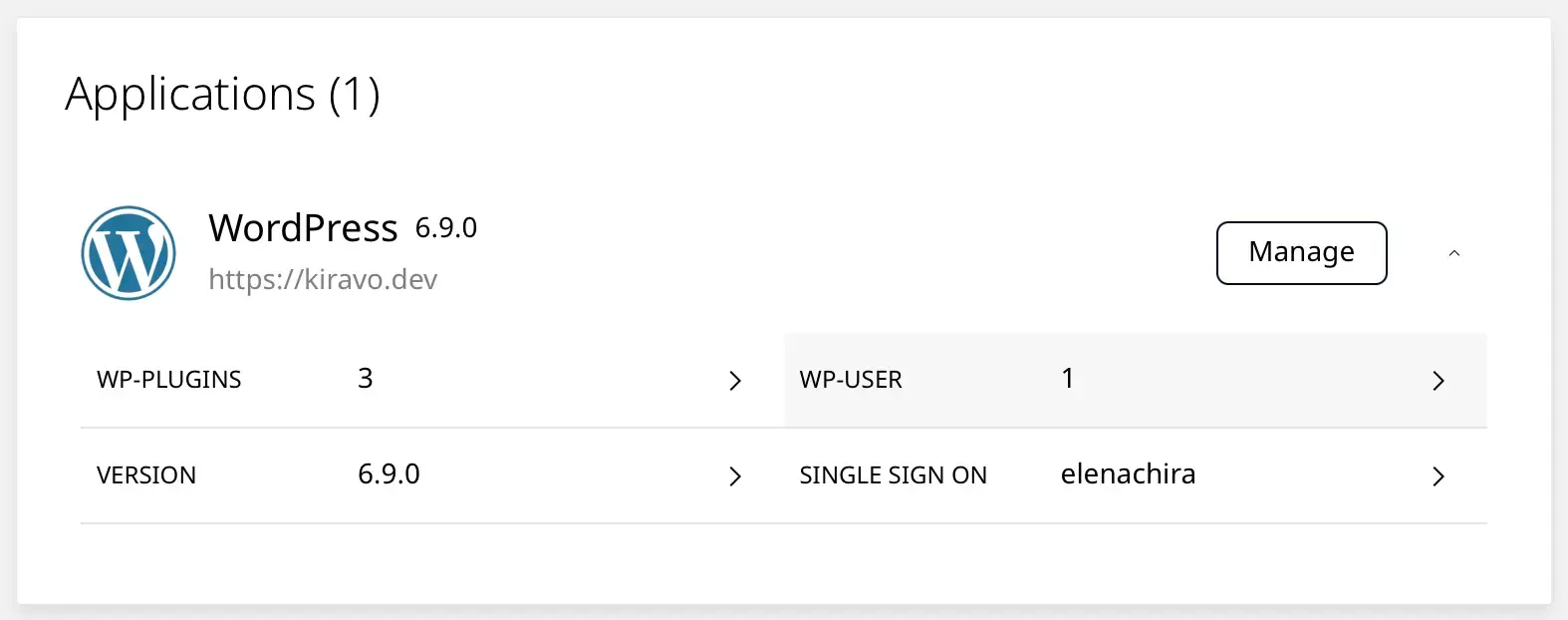
WordPress toolkit
Install, clone, and manage your WordPress sites from one dashboard, including their themes, plugins, and users.
Everything you need to run a WordPress site, organised by task so it's where you'd think to look. Without the cPanel clutter.
WordPress toolkit
Install, clone, and manage your WordPress sites from one dashboard, including their themes, plugins, and users.
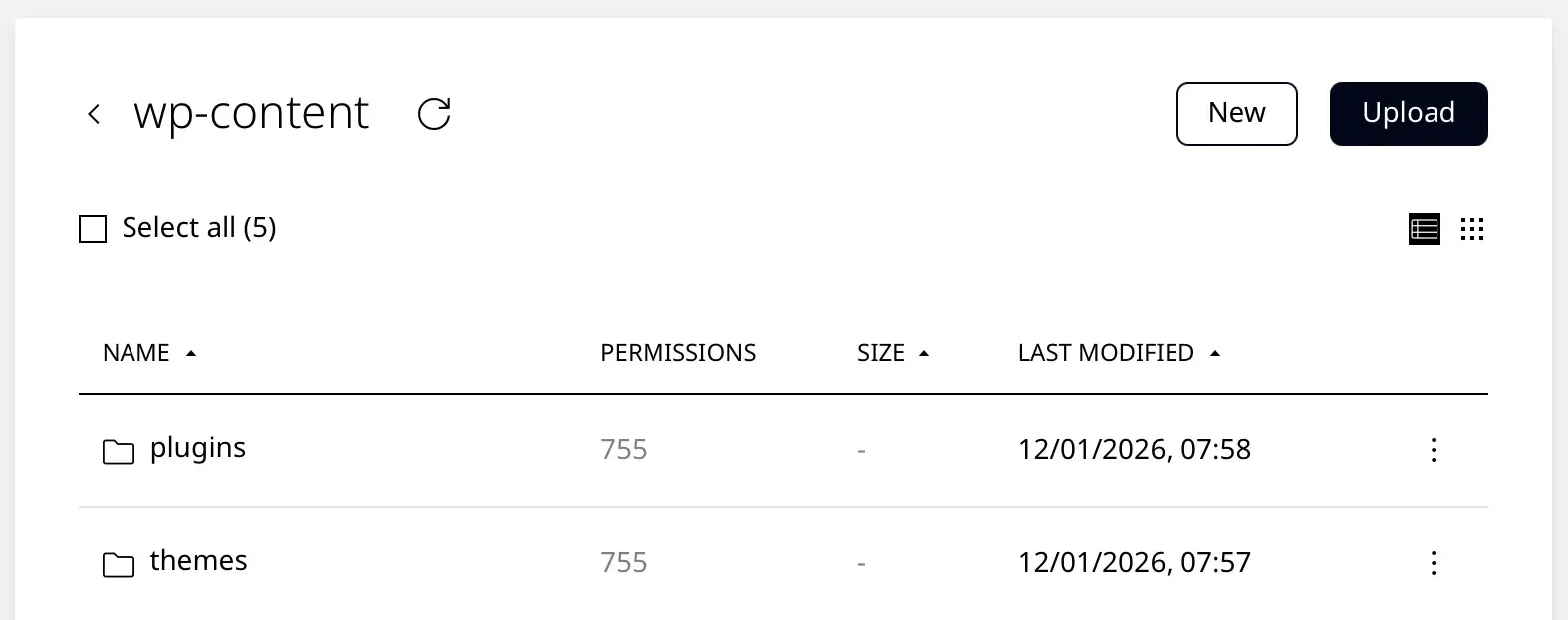
File manager
Upload, edit, and delete files directly in the browser, across all of a site's directories.
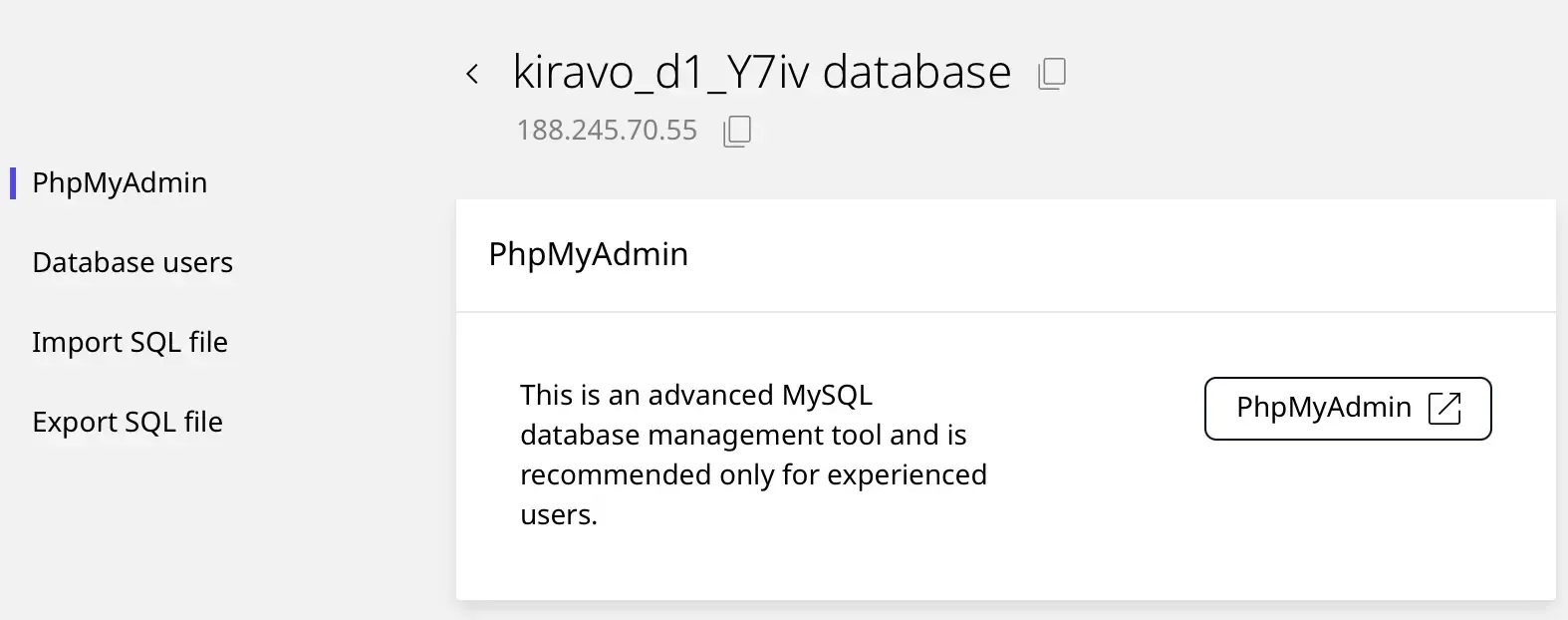
Database manager
Browse and manage your databases through a graphical interface, including imports and exports.
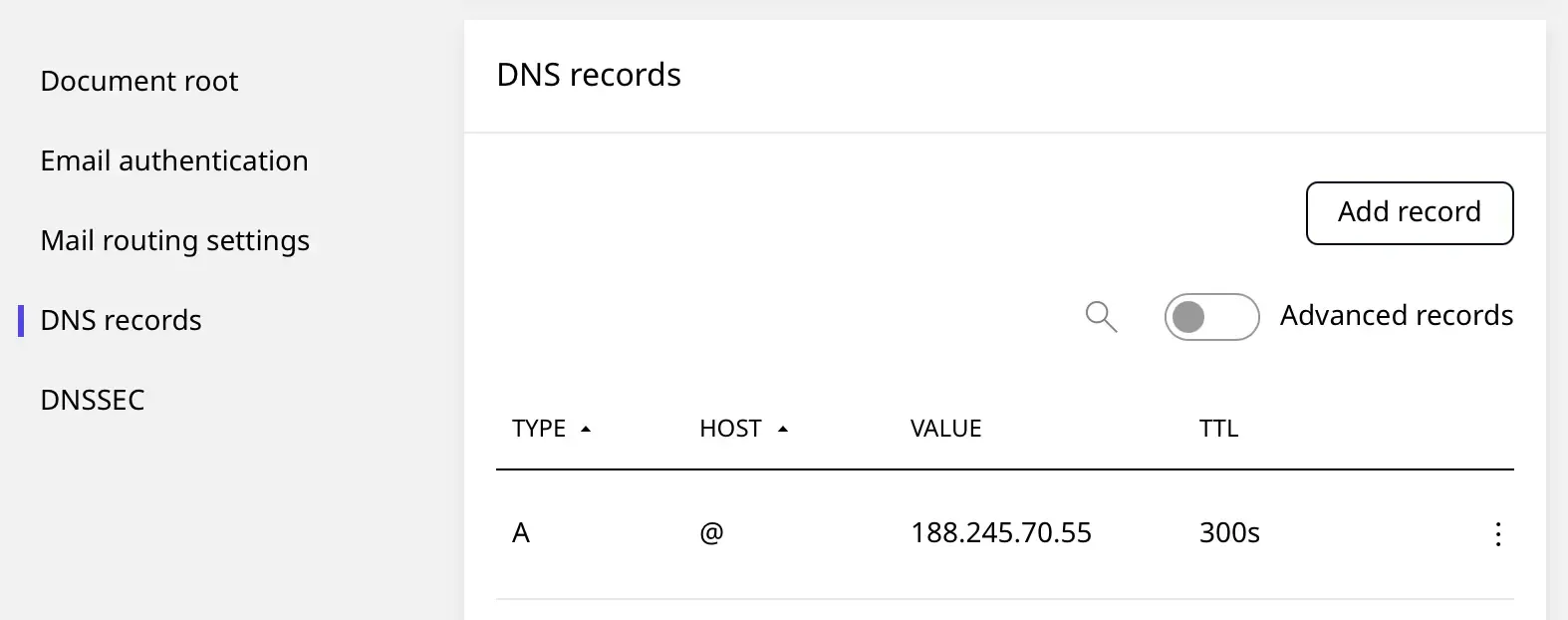
DNS editor
Edit your domain's DNS records straight from the panel, without a separate registrar dashboard.
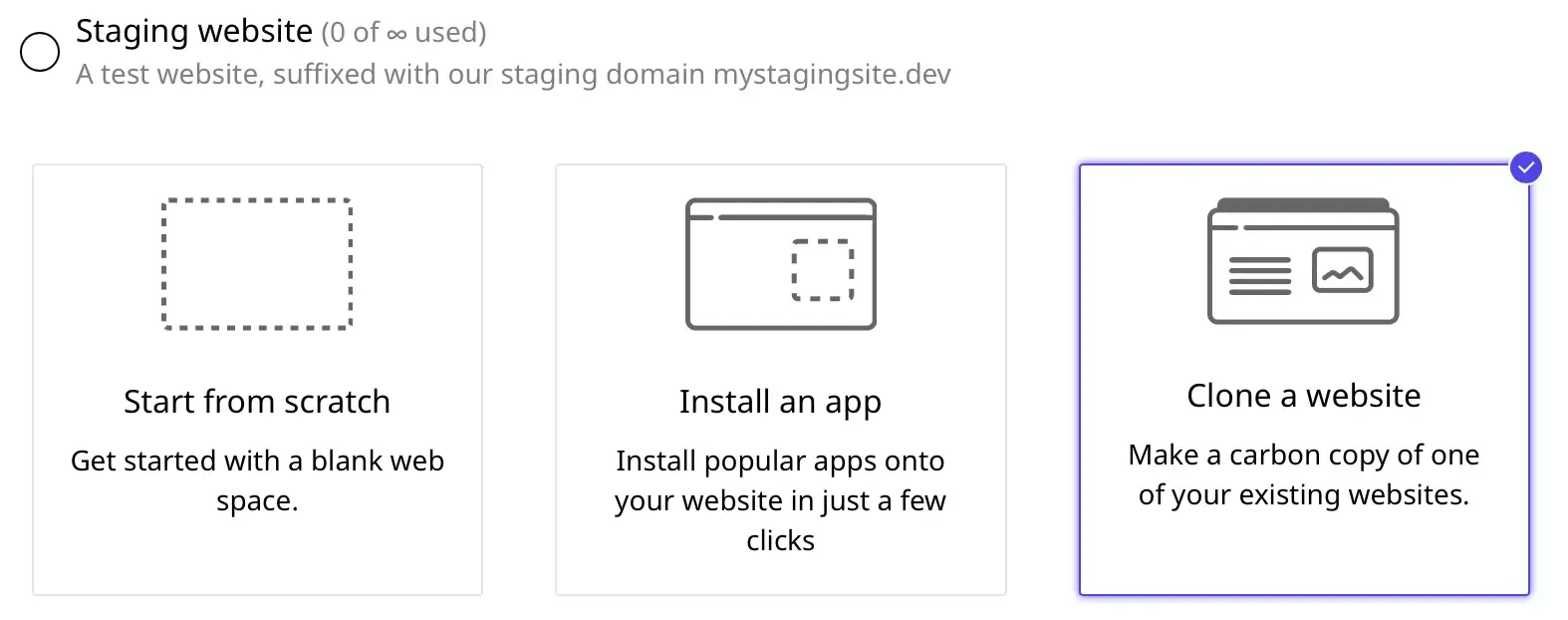
Clone and staging
Spin up a staging copy that mirrors your live site, test plugin updates, theme switches, or larger code changes there, then push it back to live when you're ready.
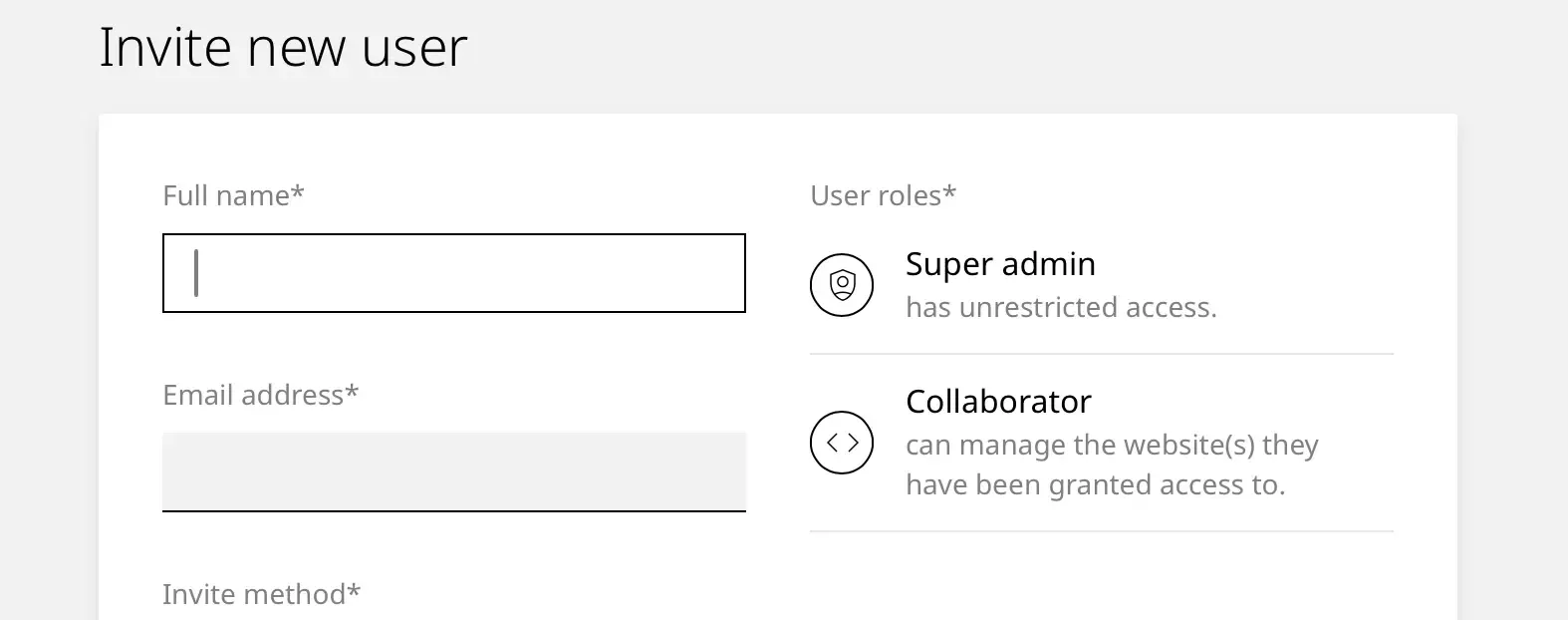
Team management
Invite colleagues or clients to specific sites, with the permissions you choose, without sharing your main login.
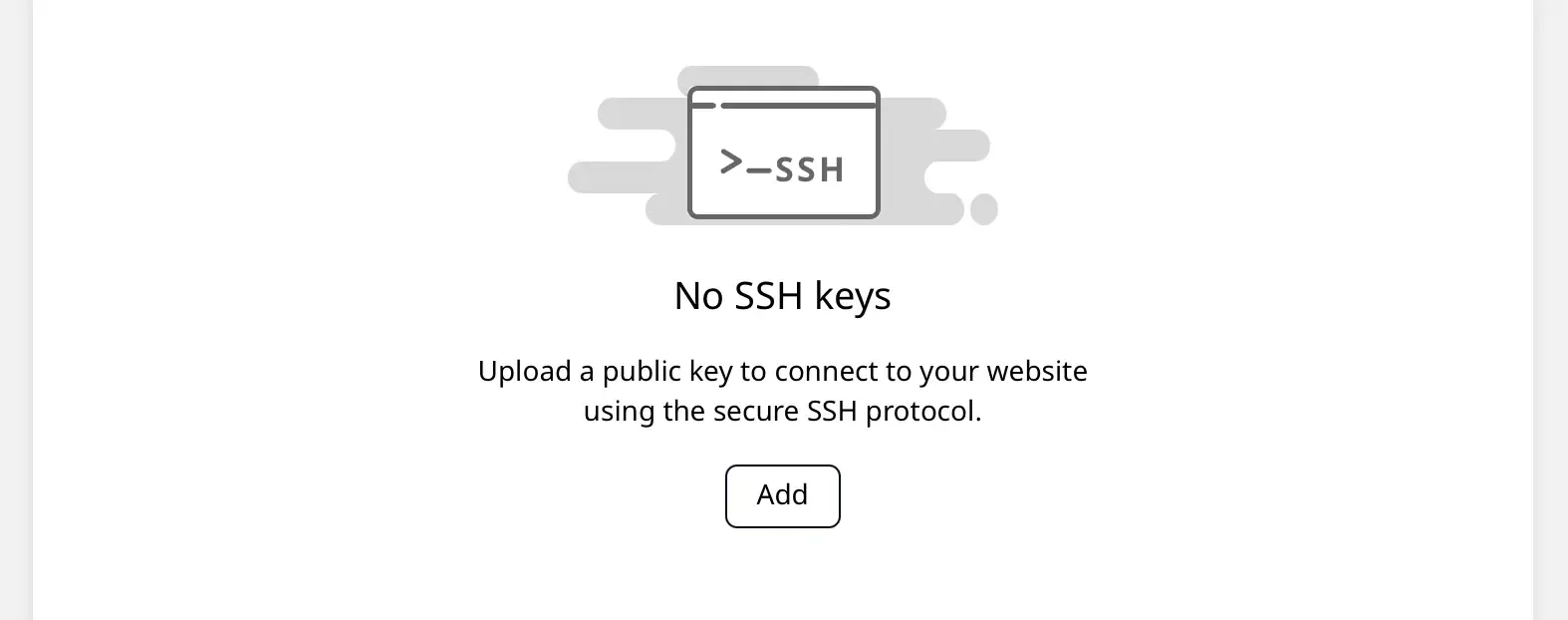
SSH access
Add your SSH key for passwordless command-line access, including WP-CLI.
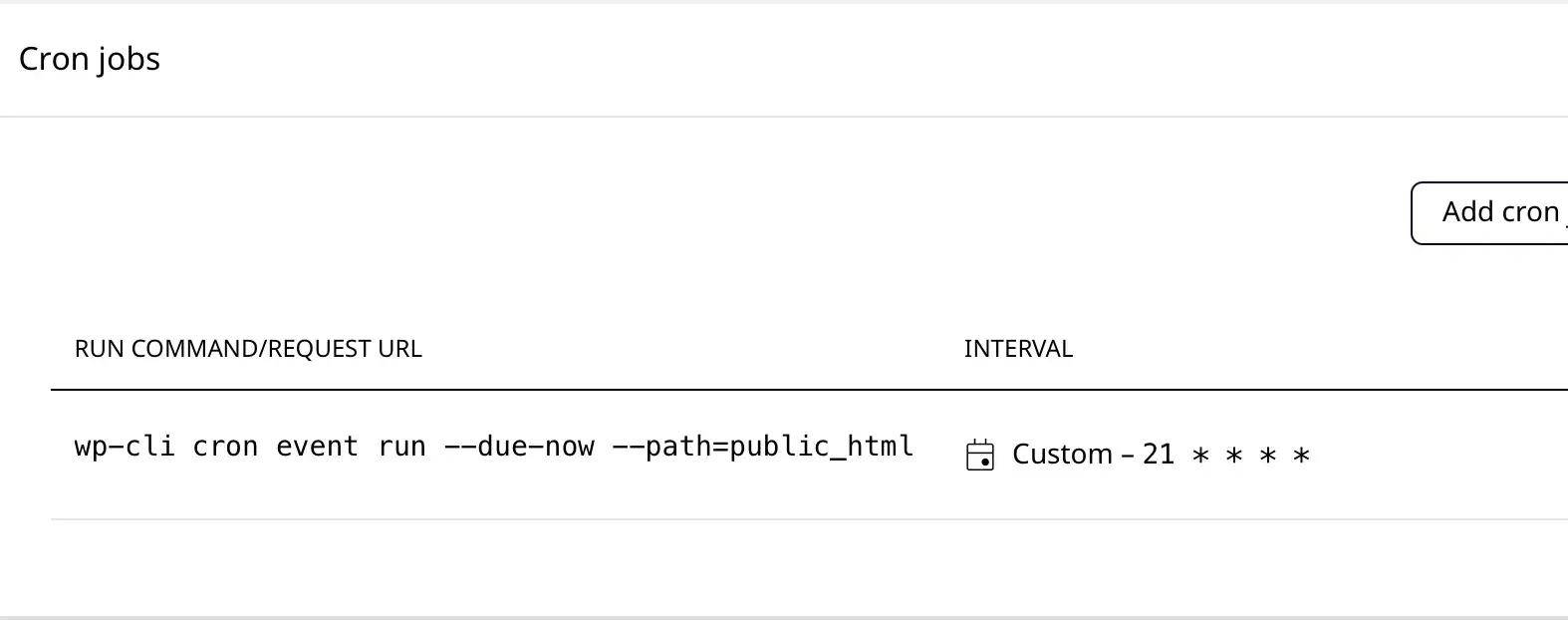
Cron jobs
Schedule scripts and commands to run automatically at set intervals.
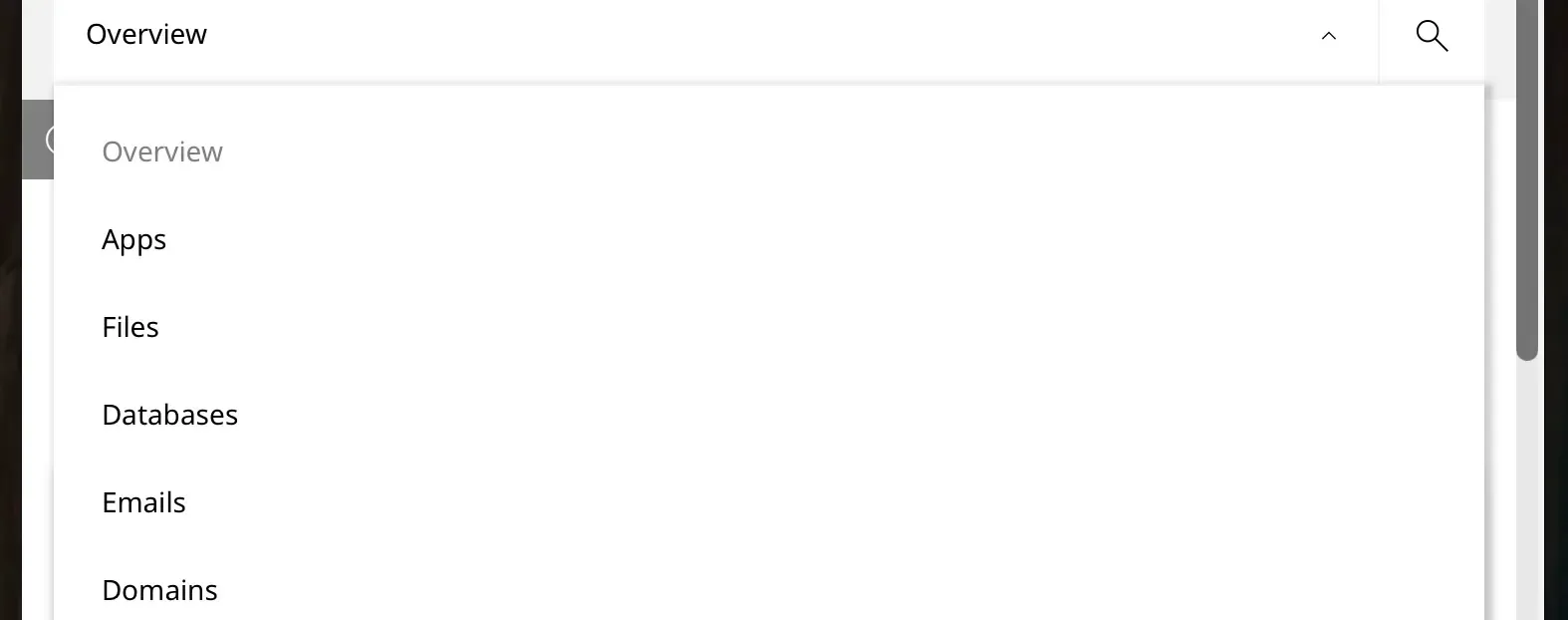
Fully responsive
The panel works on phone and tablet as well as desktop, adapting to the screen size.
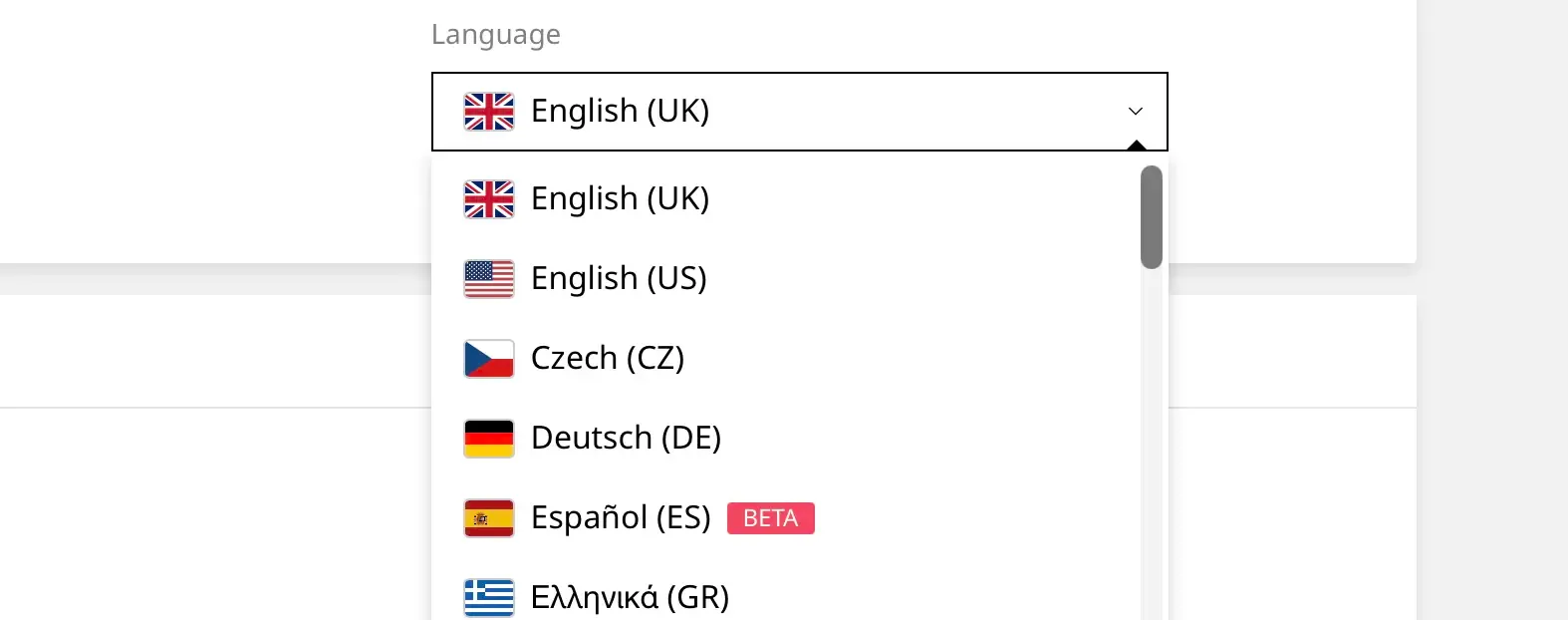
Multi-language support
Switch the panel to your preferred language. Each user picks their own, which helps when an agency and its clients work in different ones.
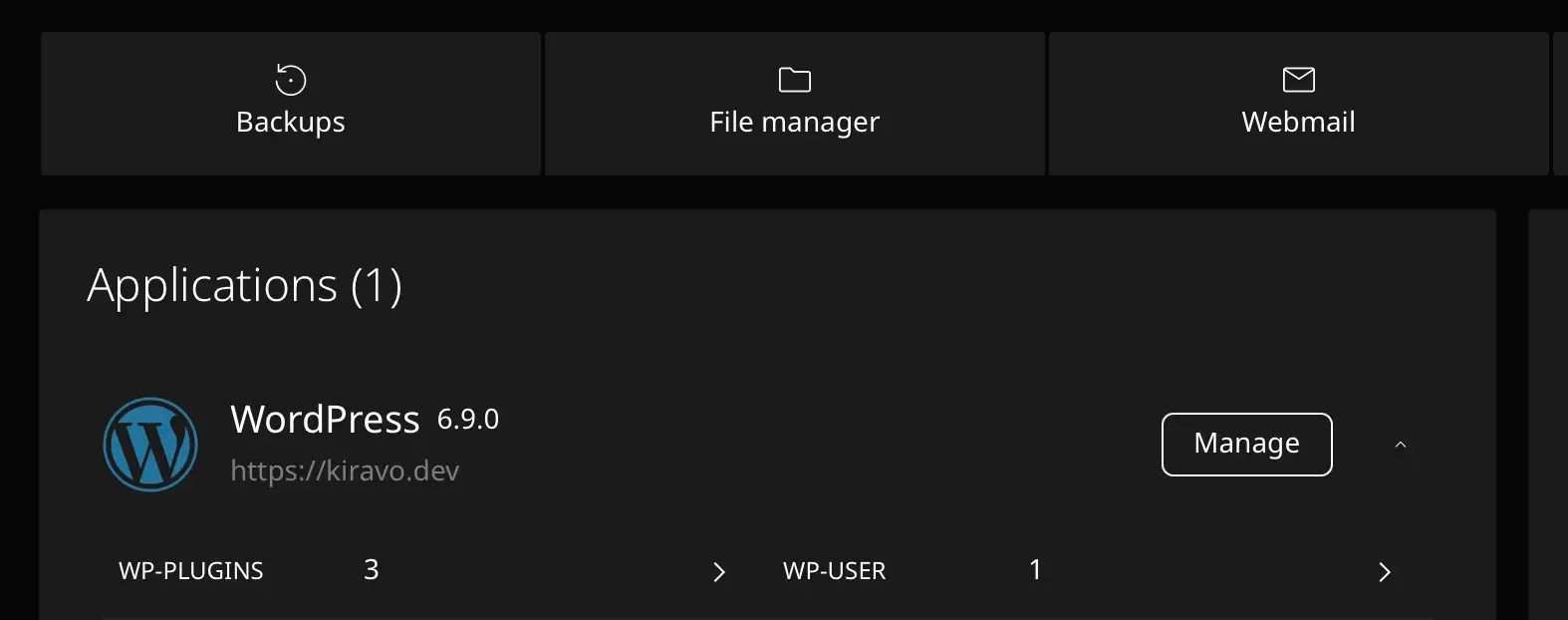
Dark mode
Switch the panel between light and dark themes whenever you prefer.
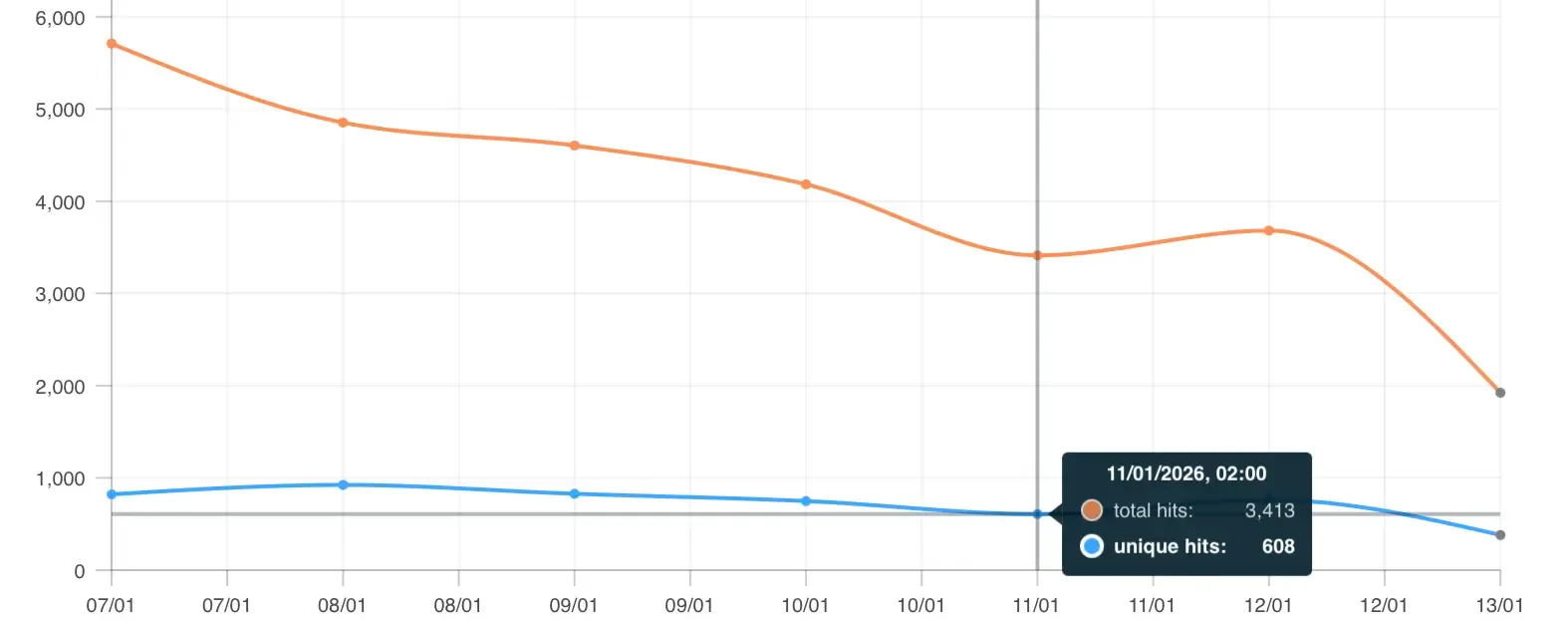
Logs and statistics
See visitor, hit, and bandwidth statistics for each site, right in the panel.
Real reviews left on third-party platforms over the years.
★★★★★
They've made it easy for me, a person without any idea of how websites work, to set up and run my own site.
Victor Ricard
★★★★★
It's very easy to set up and they have a very helpful support. I would choose them any time I need a quality WordPress service!
Laila Geisler
★★★★★
I host several websites with Kiravo, simple presentation sites and online shops alike, and I'm very happy with both the service and the very fast support.
Silviu Popovici
★★★★★
A super-professional, easy-to-use WordPress host with a very good price-to-quality ratio.
Victor Ilioiu
A great dashboard on a slow server still serves a slow site, on an insecure platform still gets compromised, and on a hosted service with bad support still leaves you stuck when something breaks. Here's the rest of the platform.
Don't see yours? We're happy to talk through how the panel handles your setup.