How to edit your account details
Your account details hold your personal or company information and the billing details that appear on your invoices. You can update them at any time.
-
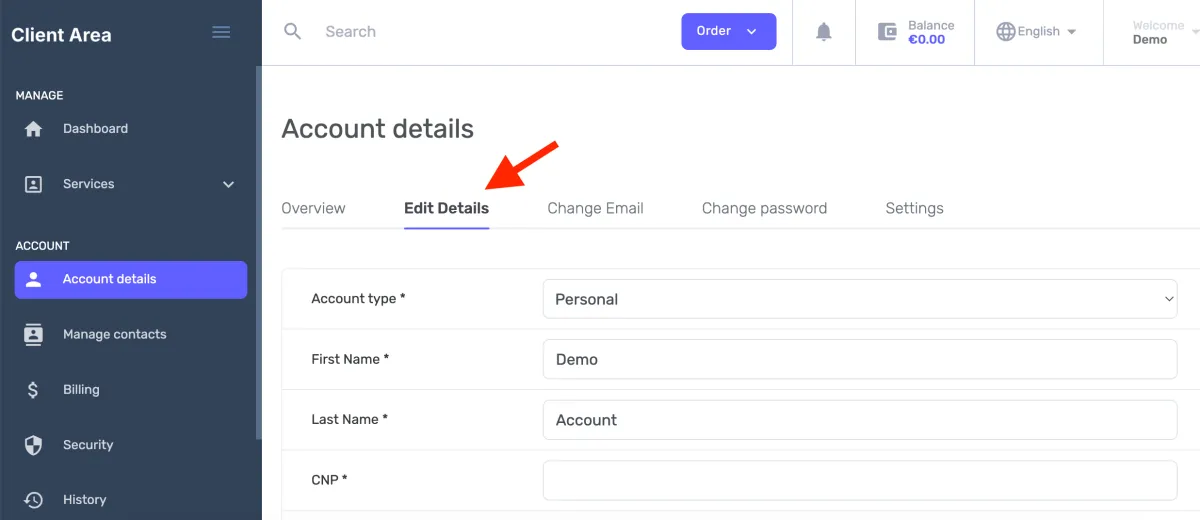
Open Account details in the sidebar, then the Edit Details tab.
-
Choose your Account type, Personal or Organization.
If your account represents a company, set Account type to Organization; otherwise leave it as Personal.
-
Update the fields you need: first and last name, identification number (CNP), address, city, postal code, and phone. Required fields are marked with an asterisk (
*).- State is a dropdown of counties of your country.
- Country is a dropdown of all countries; your current country is pre-selected.
- Phone has a country dial-code prefix (e.g.
+44) followed by the number. - Email Address is shown on this tab but not editable, change it on Change email so the change can be password-protected.
-
Click Save Changes.
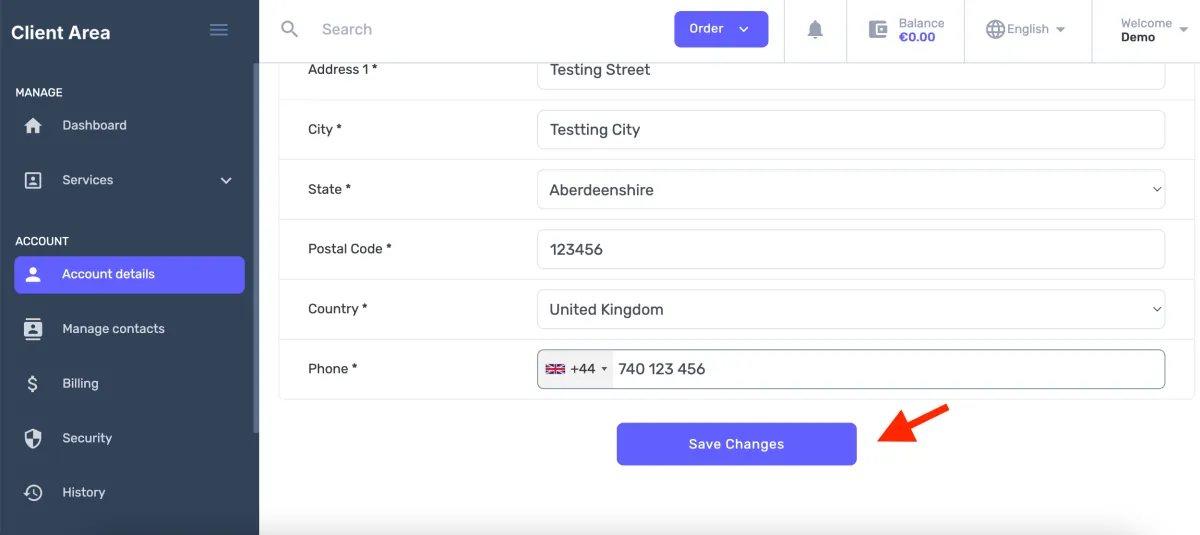
Your updated details now appear on the Overview tab.
To change only your sign-in email or password, see Change email and Change password.