How to lock or unlock a domain
The registrar lock blocks transfers to another registrar while it is on. Keep it on unless you are preparing an external domain transfer. Unlocking the domain does not start a transfer, change its nameservers, or affect the website and email services that use it.
Change one domain
Section titled “Change one domain”- Sign in to the Kiravo client area.
- Open Services → Domains and click the domain you want to change.
- On Domain details, check the domain name and find Registrar Lock.
- Use the toggle link to turn the lock on or off.
- Check that the status now shows the setting you selected.
If you unlock the domain for a registrar transfer and then cancel the transfer, return here and turn the lock on again.
Change several domains
Section titled “Change several domains”-
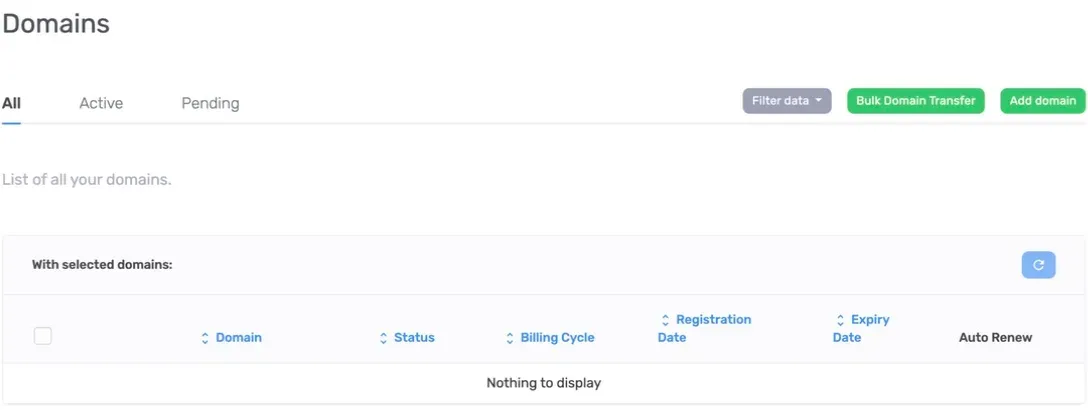
Open the domains list.
-
Tick the checkbox beside each domain you want to change.
-
Under With selected domains, choose Registrar Lock and select the required state.
-
Open each affected domain and check its Registrar Lock status before starting a transfer.
If the lock cannot be changed, check that the domain is active and managed through Kiravo. Some registry or transfer restrictions cannot be removed with this control. Open a support ticket if the status does not update or an external transfer still reports the domain as locked.