How to rename a service
A label is a name you use to identify a service in the client area. Changing it does not rename the domain, change the hosting plan, or alter the control-panel login details.
-
Sign in to the Kiravo client area.
-
Open Services and choose the relevant category. If the list contains one service, click that service. If it contains several, click the service you want to label.
-
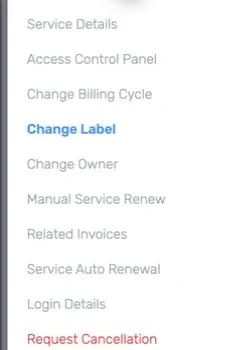
On the Service Details page, click Change Label in the menu on the left.
-
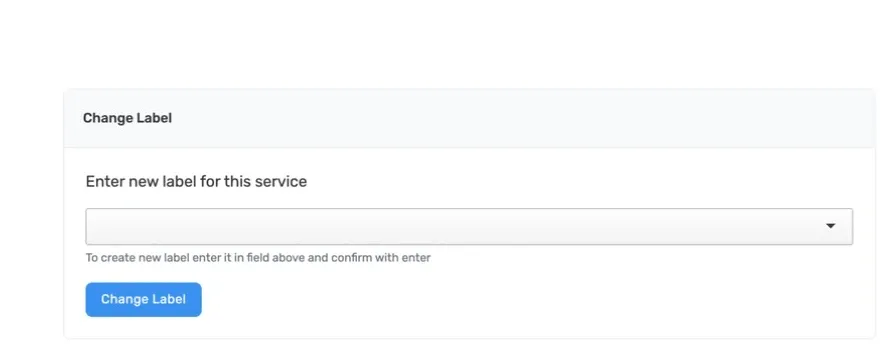
Enter the new label in the field. Use a name that helps you distinguish this service from the others. Do not use a password or other private information as the label.
-
Press Enter while the field is active, or click Change Label, to save the new label.
-
Wait for the client area to confirm the change. Return to Services and check that the new label appears on the correct service.
If the previous label still appears, reload the service list once. If the new label is still missing, open a support ticket and include the service ID. Do not include passwords or control-panel credentials.